WAIT! Before you make your first login to our new online banking system, please make sure to read the instructions below.
CoastHills New Online Banking Login - 3 Easy Steps
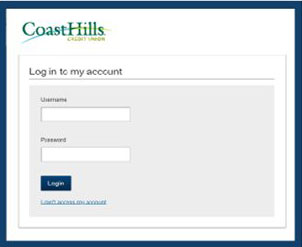
1. Enter Username & Password
Use the same username as the old platform. Your temporary password is: 1234 plus last 4 digits of your Social Security Number. Example: 12349876.
2. Set a New Password
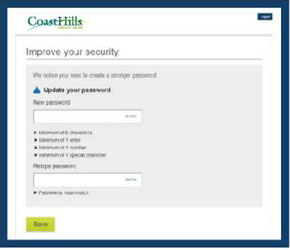
Make sure you use a strong password with at least eight characters of lowercase and uppercase letters, numbers, and symbols.
3. Verify Your Identity
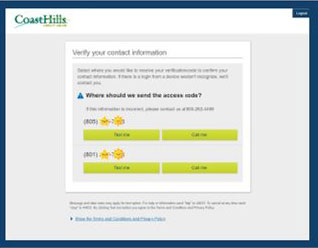
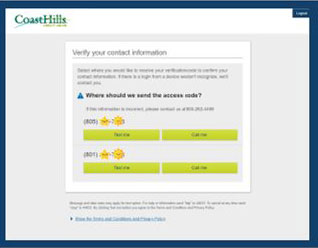
A verification code will be sent to the phone number you have on file. Enter the code, and you're in!